
The most expensive coordination cost in product development just got a fix. It's a markdown file.
Updated
•2 min read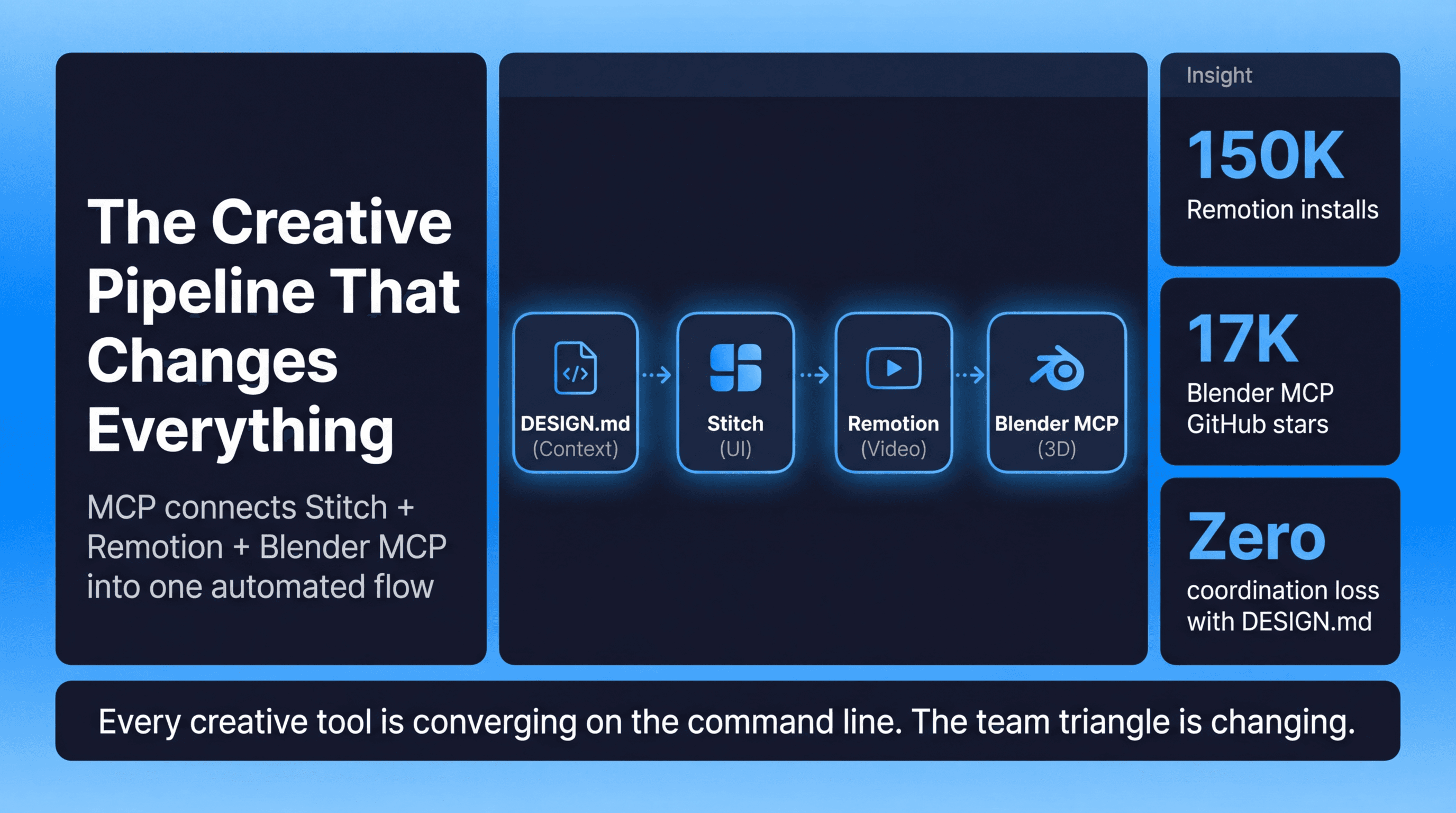
Summary: The Most Expensive Coordination Cost in Product Development Just Got a Fix. It's a Markdown File.
Main Thesis
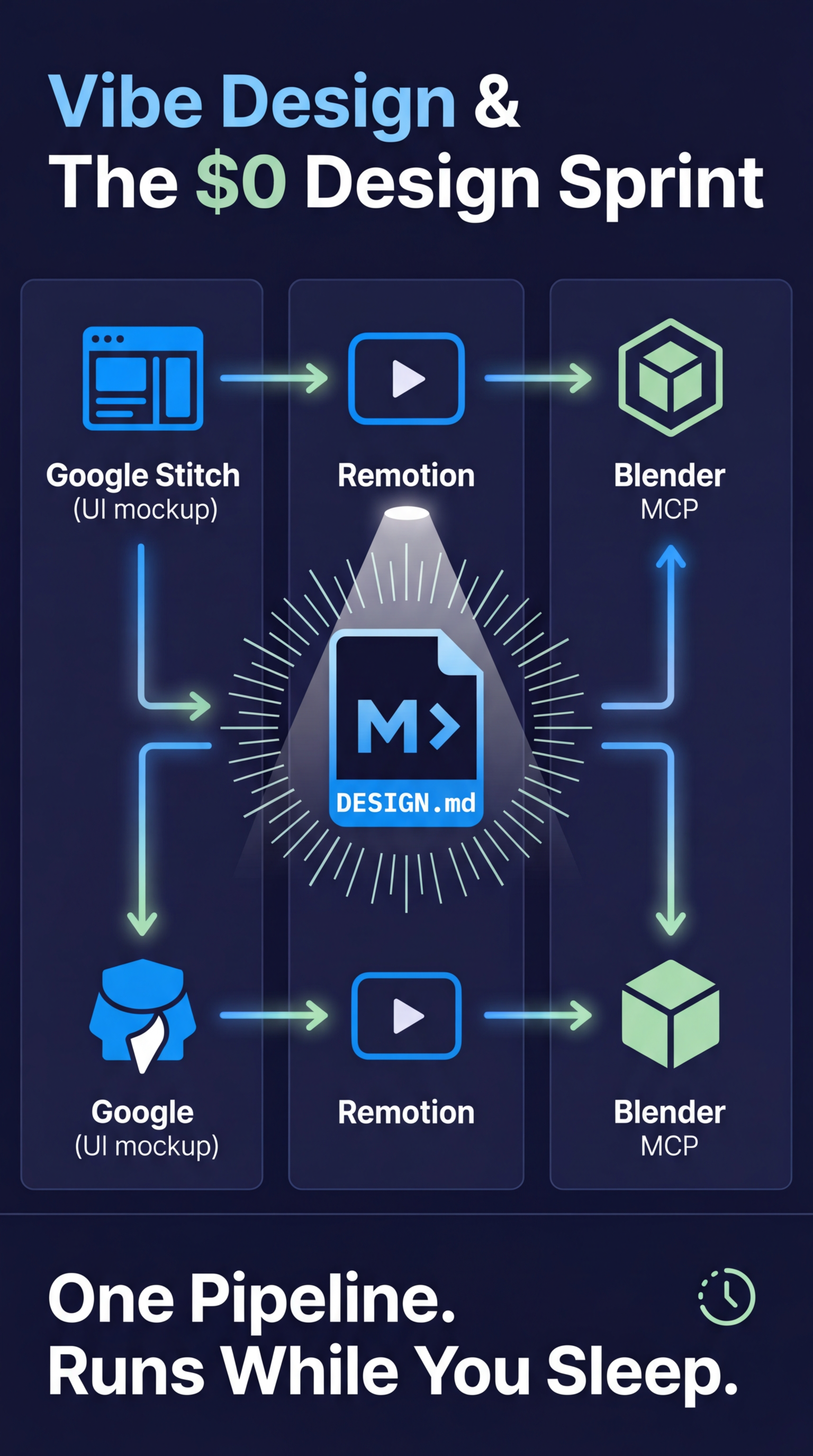
The fragmented, lossy handoff between product, design, and engineering — historically one of the most expensive coordination failures in software teams — is being structurally resolved not by any single AI tool, but by a connected, automatable creative pipeline unified through the MCP (Model Context Protocol) standard. The surprising keystone of this pipeline is a simple DESIGN.md markdown file that acts as a persistent, lossless design context layer.
Key Developments Covered
- Google Stitch has been redesigned into a full vibe design tool — generate UI/UX from natural language
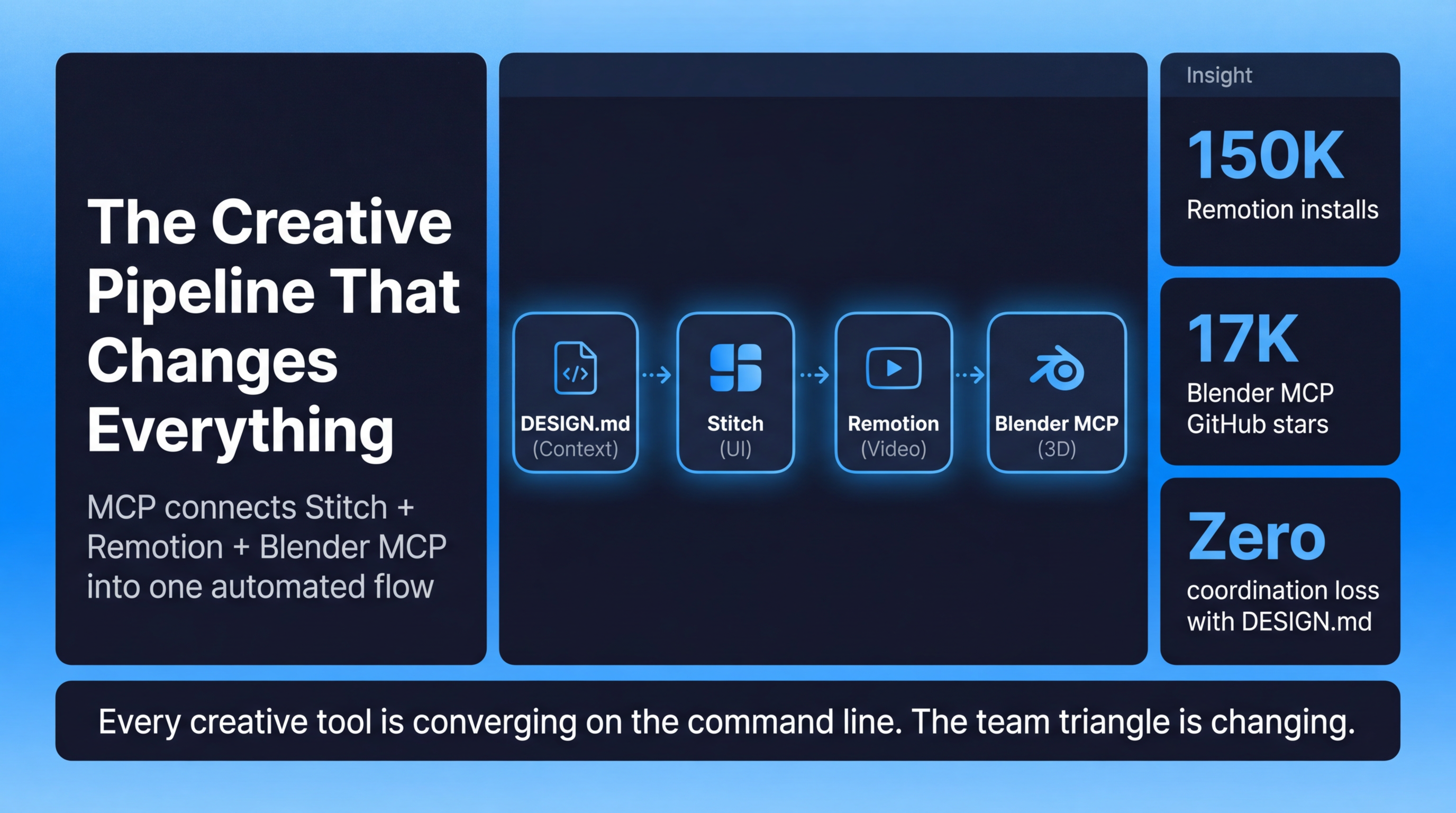
- Remotion crossed 150,000 installs as a Claude Code skill, enabling video generation from text prompts
- Blender MCP hit 17,000 GitHub stars, allowing professional 3D scene construction through conversation
- All three tools connect via MCP, meaning design → code → video can flow as one automated pipeline
Structural Shift: The Command Line Rewires the Team Triangle
- Every major creative tool is converging on a command-line / text-prompt interface
- This dissolves the traditional product-design-engineering triangle that caused coordination breakdown in the 2010s
- When all tools share a common interface and protocol, who does what on a product team fundamentally changes
The DESIGN.md File — Why It Matters Most
- A markdown file storing design intent, constraints, and context becomes the single source of truth across all tools
- It makes the creative pipeline composable and lossless — context doesn't get dropped between tools or team members
- Acts as persistent memory for AI tools operating across sessions, tools, and contributors
The Creative Cron Job
- Pipelines can now be scheduled to run automatically (like a cron job)
- Creative work — briefings, video renders, design iterations — can execute while your laptop is closed
- This shifts creative work from reactive to asynchronous and autonomous
Practical Takeaways
- Adopt DESIGN.md as a team standard — store design decisions in markdown so AI tools and humans share the same context
- Explore MCP-connected tools (Stitch, Remotion, Blender MCP) to build end-to-end creative pipelines
- Think in pipelines, not tools — the value isn't any single AI app, it's chaining them together
- Schedule creative tasks — use automation to run pipeline jobs overnight or on a timer
- The article includes four prompt builders for Stitch, Remotion, Blender MCP, and DESIGN.md, plus an open-source recipe for an automated video briefing pipeline